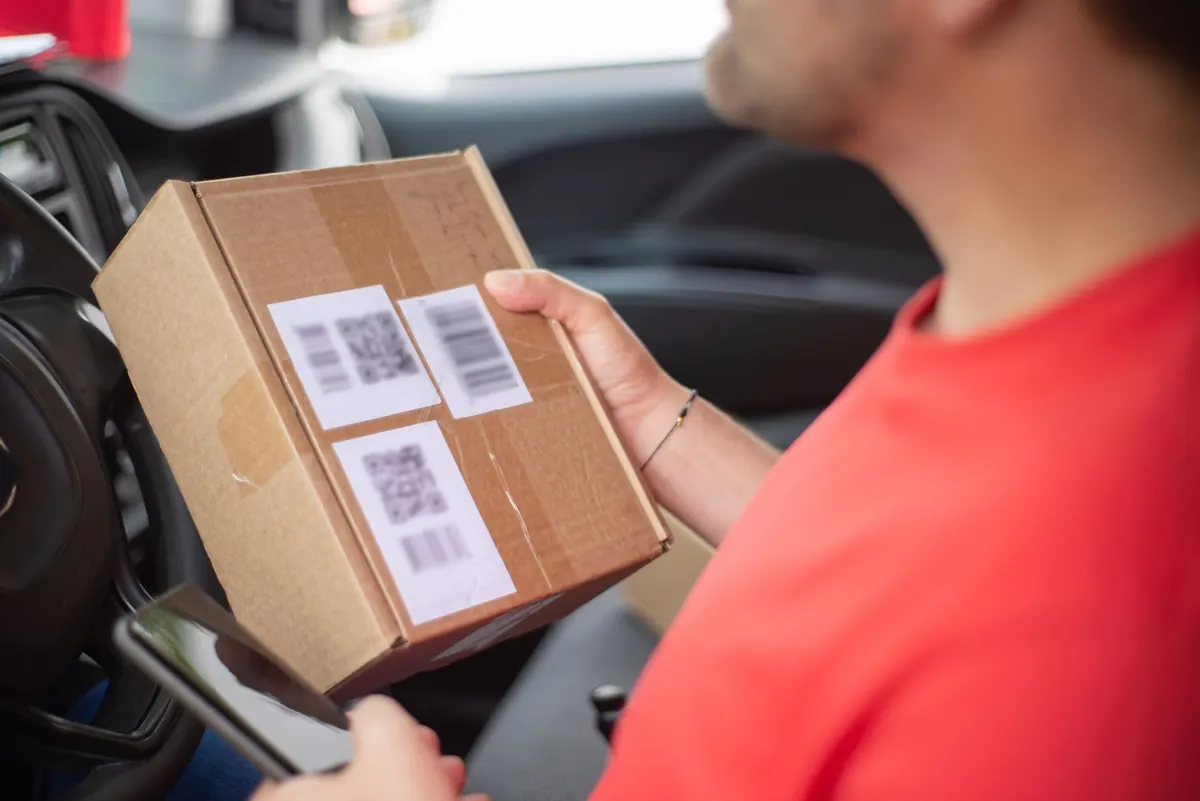
The tracking page says "In transit." It has said that for five days. You refresh, and nothing moves. Somewhere between the order confirmation and your front door, your parcel has gone quiet — and the silence is more stressful than a clear delay would be.
Most of the time, nothing is wrong. A tracking feed isn't a live camera on your box; it's a series of checkpoints logged by people and machines at particular moments, and plenty of moments never get logged at all. What follows is how to tell routine lag from a genuine problem, and what to actually do about each.
What a Tracking Status Really Represents
A scan is not a location. It's a record that your parcel passed a checkpoint — a label printer, a dock scanner, a customs officer's desk. The usual sequence looks something like this: label created, accepted, origin facility, departed, arrived at a hub, processed, out for delivery, delivered. Every one of those handoffs is a chance for a scan to be skipped.
The vague statuses cause the most worry. "In transit" can mean the parcel is on a plane, sitting in a trailer at a distribution centre, or waiting for a linehaul truck that leaves tomorrow night. It's a catch-all, not a promise. Same with "processed" or "arrived at facility" — they tell you where the box was last seen, not where it is now.
Give It a Sensible Window Before You Worry
Long gaps between scans are normal, especially on economy and ground services where parcels travel in bulk. Two to three business days of silence is routine. Weekends and public holidays stretch that further, and Friday evening to Monday morning is effectively a dead zone for many networks.
Here's a rough rule of thumb. If your parcel has at least one physical scan — an acceptance or origin facility entry — a quiet stretch of three to four business days is wait-and-watch territory. If the only scan is "label created" and a week has passed, that's different: it suggests the parcel may never have entered the network. That's a conversation to have with the sender, not the carrier.
International shipments deserve extra patience. Customs clearance can take days and often generates no scans at all while it happens. The parcel isn't lost; it's in a queue that doesn't broadcast.
Run Through These Basics First
- Check the number character by character. One transposed digit gives you a valid-looking page for someone else's parcel — or no results at all.
- Confirm which carrier actually has it. Retailers often hand off to a partner network, and the number in your email may belong to a different operator than the one you're refreshing.
- Use the carrier's own site or app. Third-party tracking aggregators pull data on a delay and frequently show "no information" for parcels that are moving fine.
- Search your email and spam folder for a redelivery notice, a rescheduling request, or customs paperwork that needs action.
- Ask the sender which service and which address they used. A missing apartment number or an old address can stall a delivery indefinitely.
- Check the obvious places — mailroom, front desk, porch, garage, a neighbour who signs for things.
- Force a refresh. Hard reload the page, clear the app cache, or try a different browser. Stale data is more common than you'd think.
When the Tracking Page Won't Load or Shows Nothing
Carrier sites go down. Mobile apps cache yesterday's data. Before you conclude anything, try a private browsing window, switch from Wi-Fi to mobile data, and open the carrier's site directly rather than through a search result link.
"No information available" on a brand-new number usually means one of two things: the label has been generated but not scanned, or the retailer marked the order as shipped before it physically left. A day or so of that is normal. A week is a question for the sender.
Also worth knowing: tracking numbers get archived, and pages sometimes stop resolving long after delivery. If you're checking an older number, that's expected. For international parcels, once the shipment clears customs, the destination country's postal operator often has better detail than the origin carrier's page.
Missing Scans and Stuck Statuses: The Usual Suspects
When a scan is genuinely missing, it's almost always one of these:
- The parcel is inside a sealed trailer or bulk container and won't be scanned until the next hub.
- It's held in customs or waiting on duties and taxes.
- It's in transit between two carriers and neither has logged the handover.
- A hub is backlogged after bad weather, a holiday surge, or a staffing issue.
- It was misrouted. Uncommon, but it happens — and scans usually resume once it's corrected.
If the status says "delivered" but you don't have it
Check the delivery photo many carriers now attach, and look somewhere you wouldn't normally — behind a planter, inside a porch box, with a neighbour. Wait until the following morning before escalating; some drivers scan as delivered while the van is still on the street. If it's still missing, contact the carrier the same day. The sooner you call, the more likely the driver remembers the stop.
Who to Contact, and in What Order
For a purchase, start with the sender. They are the carrier's customer, they hold the contract, and they can open a trace that you can't. Have your order number, tracking number, shipping date and both addresses ready. Ask specifically for a trace or investigation, and ask for a reference number for it.
Then call the carrier yourself if the sender is slow to act. Keep it factual and short:
My tracking number is X. It last scanned on [date] at [location] and hasn't updated since. I'd like a trace opened, a case reference, and to know when I'll hear back and by what method.
Two useful questions to add: can the parcel be held for collection at a depot, and is there a delivery window you can plan around? If the parcel arrives damaged, photograph the box before opening it and keep all packaging and contents — carriers and insurers will ask. Many issues end here, with a trace finding the parcel and a new delivery date.
Keep a Simple Tracking Log
This takes two minutes and saves hours later. Note the date, the status shown, who you spoke to, the reference number they gave you, and what they promised. Screenshot the tracking page each time it changes. If you end up needing to claim, dispute a charge, or prove a delay caused a loss, that log is your evidence.
Be aware that dispute and claim windows are limited, and the deadlines differ by carrier, insurer and payment provider — check the terms that apply to you rather than assuming, and get proper advice if the value involved is significant.
Most quiet tracking pages end the same way: a knock at the door, a parcel that was simply never scanned at the midpoint. The point of a checklist isn't to worry sooner. It's to know when patience is the right call, and when it's time to pick up the phone.
Photo: Kampus Production / Pexels